Inventory Data Migration to Microsoft Fabric Lakehouse
Replacing a manual CSV export with a governed, on-demand data ingestion pipeline.
RetailCore Ltd is a multi-warehouse retail organisation managing inventory across 12 regional warehouses, with approximately 80,000 active SKUs and up to 22,000 inventory transactions per day.
The objective of this project was to replace the manual CSV-based process with a governed, on-demand data ingestion pipeline in Microsoft Fabric. The solution uses an On-premises Data Gateway to securely connect to PostgreSQL, a Copy Data activity to transfer the inventory snapshot, and a Lakehouse Delta table to store the governed inventory data.
Technologies used
Microsoft Fabric, Data Pipeline, PostgreSQL, On-premises Data Gateway, Copy Data, Lakehouse, Delta Tables.
Project flow
 View full size (opens in a new tab)
Project scope
The project focused on building a reliable data ingestion process that moves inventory data directly from an on-premises PostgreSQL database into a Microsoft Fabric Lakehouse.
Unlike the previous manual CSV process, the new solution was designed to create a repeatable and auditable transfer mechanism that could be triggered once the warehouse team had completed its daily inventory updates.
The scope covered the following stages.
01. On-premises PostgreSQL connectivity
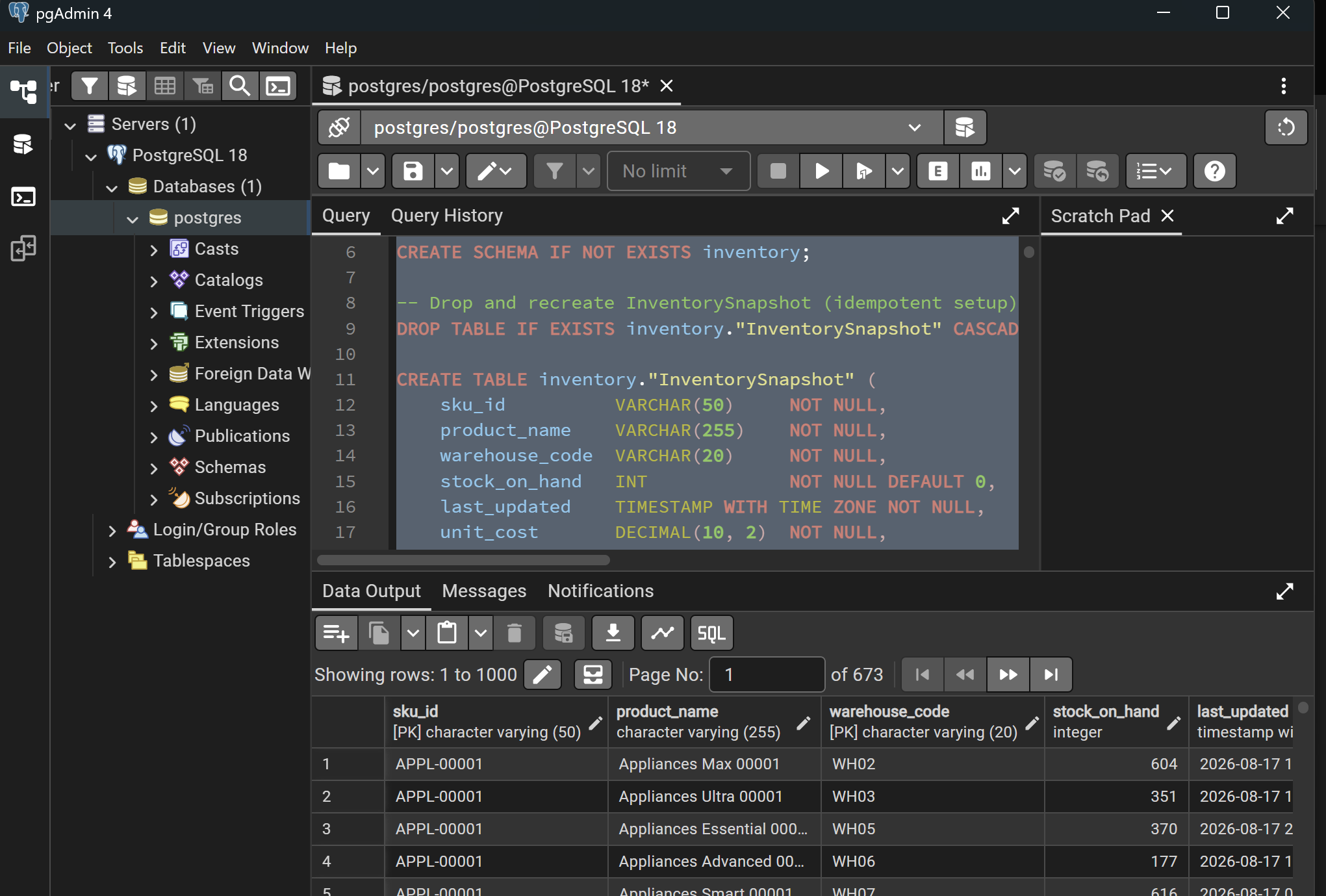
The source inventory data was maintained in an on-premises PostgreSQL database within the central distribution environment.
 View full size (opens in a new tab)
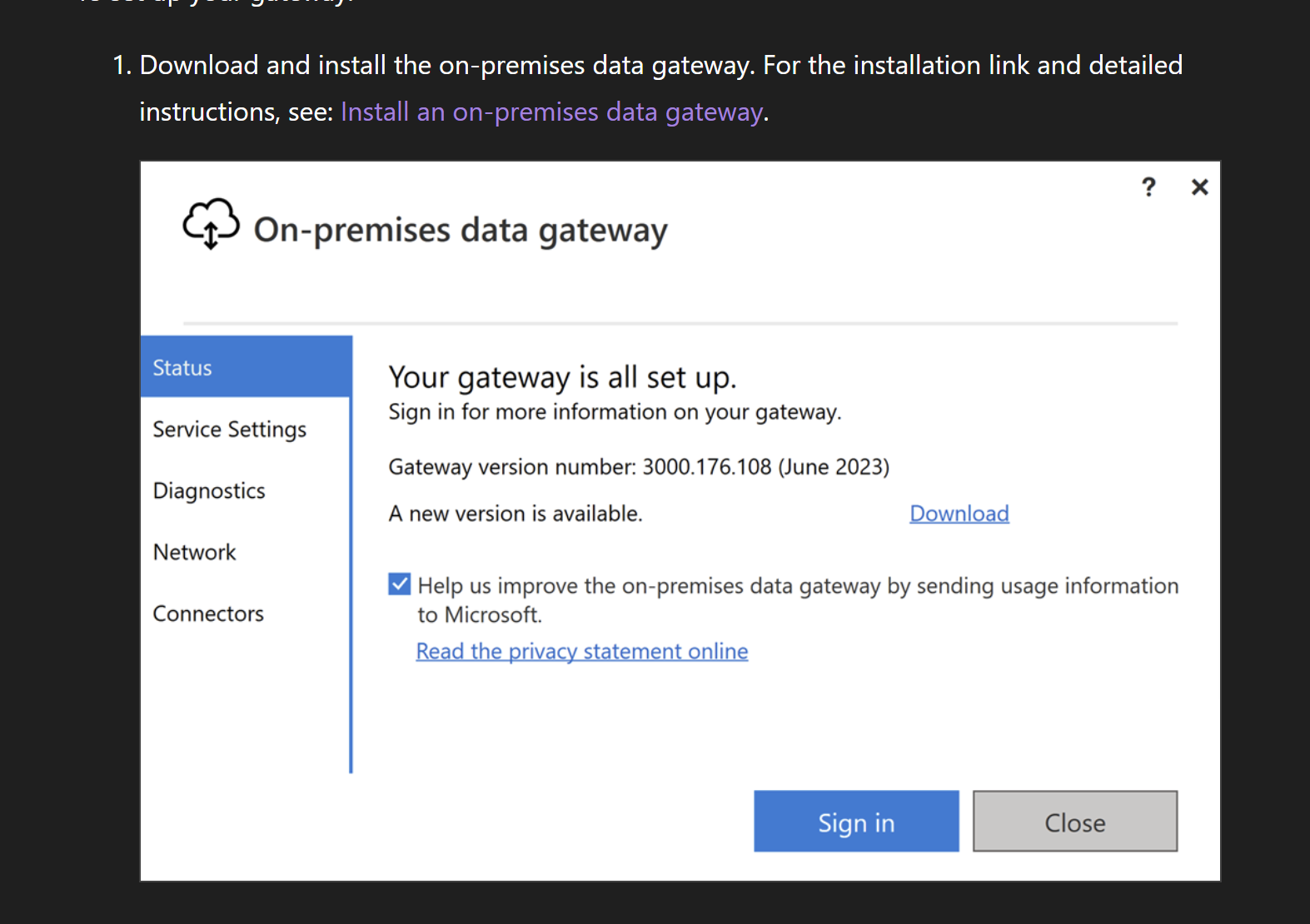
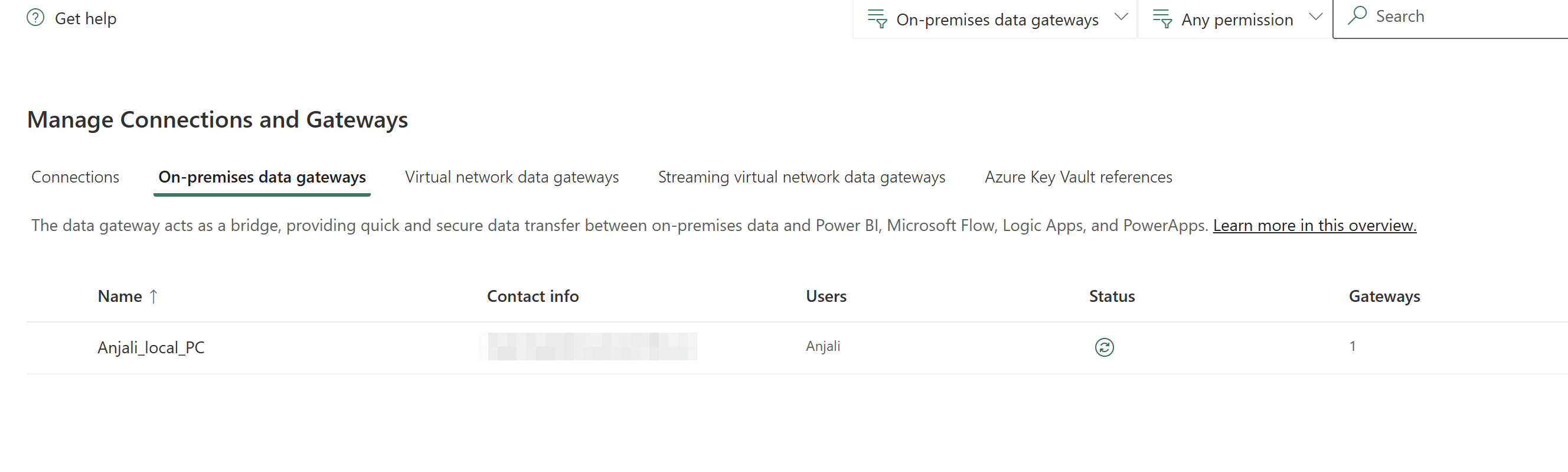
An On-premises Data Gateway was configured to establish secure connectivity between the internal PostgreSQL server and Microsoft Fabric without exposing the source database through a public endpoint. The gateway was configured as a reusable connection that could support the ingestion pipeline.
Installing and connecting it to Fabric:
 View full size (opens in a new tab)
 View full size (opens in a new tab)
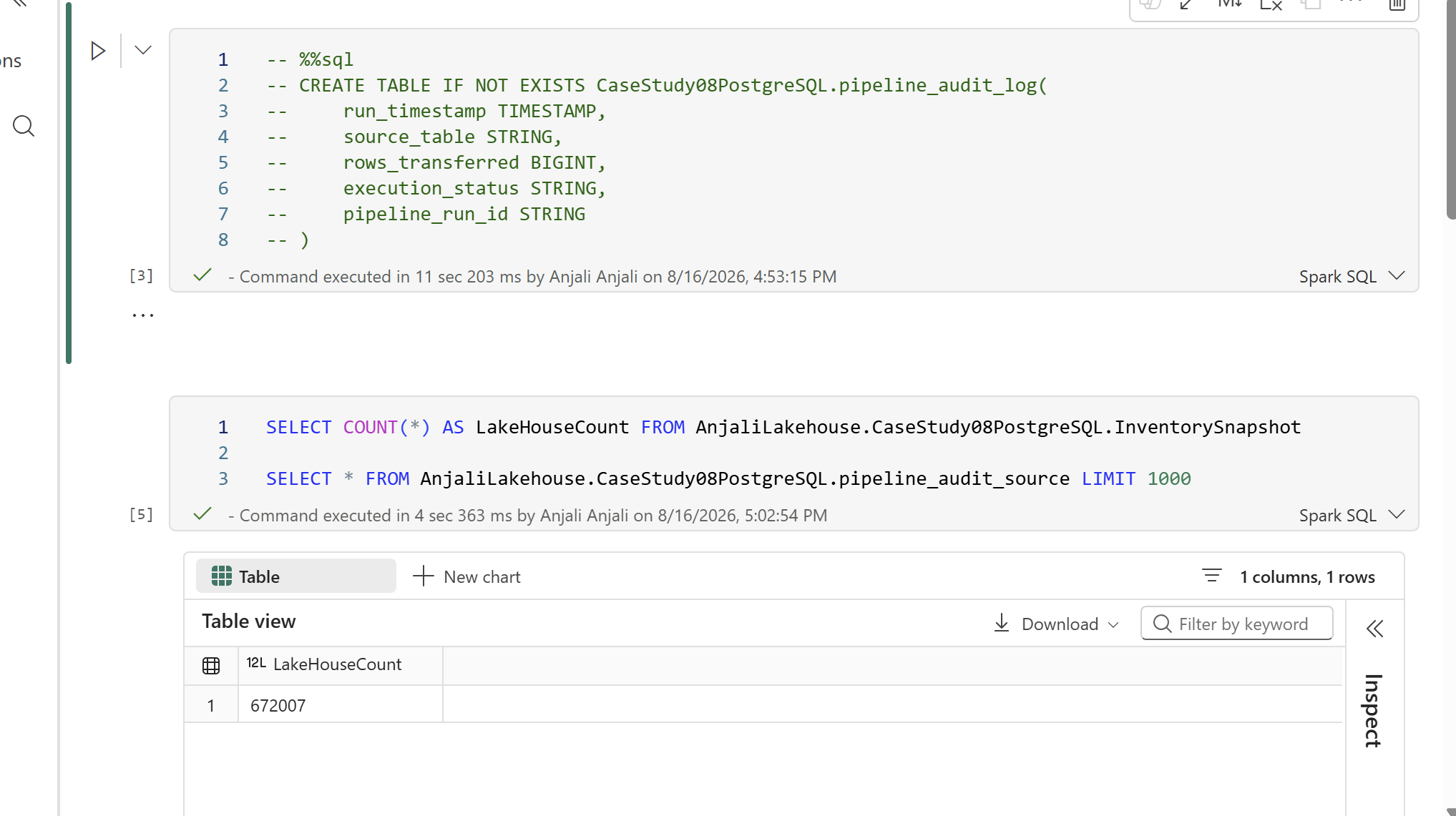
The source system contained the InventorySnapshot table: 672,007 rows, confirmed later by a direct count against the source and matched against the pipeline’s own audit record.
02. Copy Data pipeline
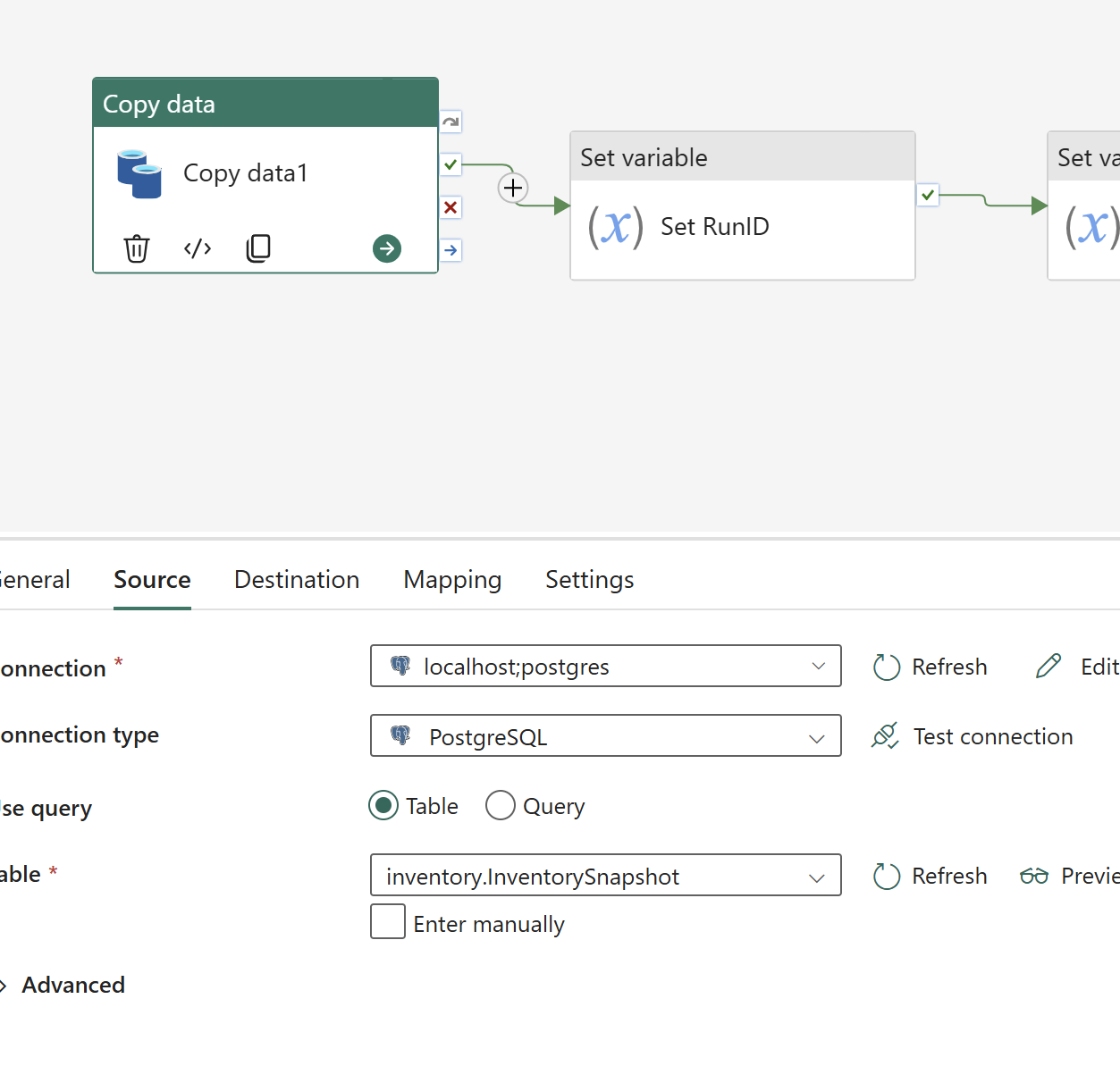
A Microsoft Fabric Pipeline was created using the Copy Data activity.
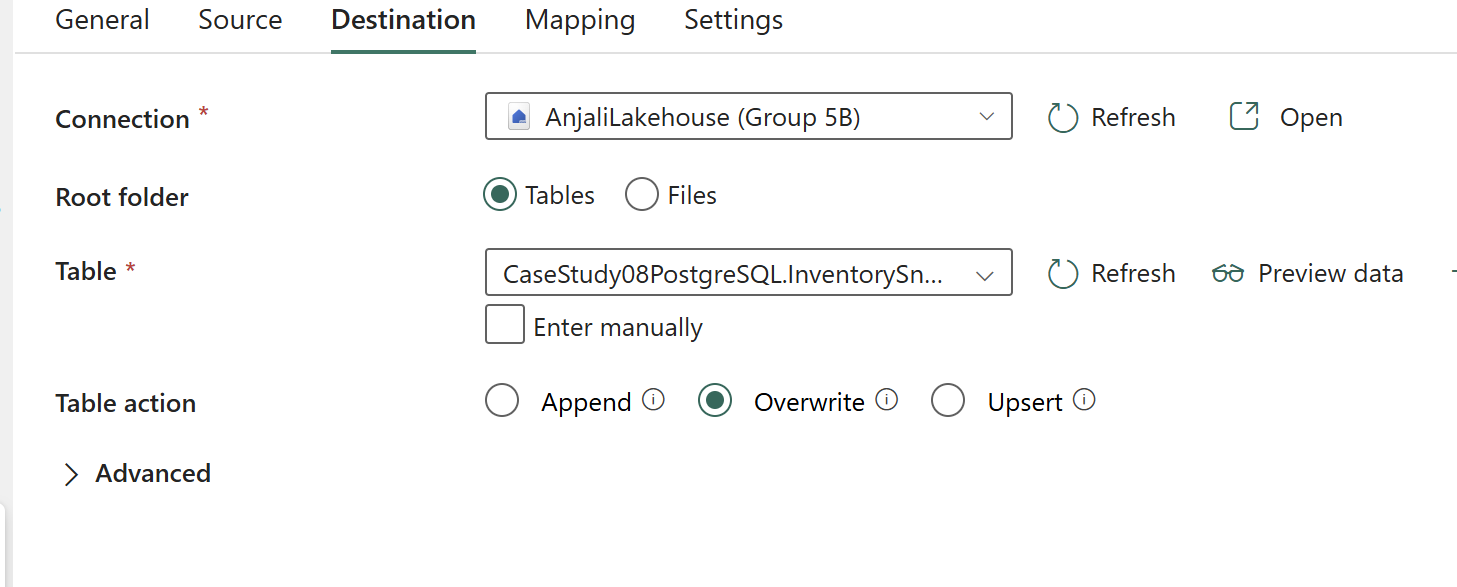
The pipeline reads the complete inventory snapshot from PostgreSQL through the configured gateway connection and writes the data into the Lakehouse Delta table.
A full extract and overwrite strategy was selected because warehouse staff may update or correct the same inventory records throughout the day. This ensures that each successful execution reflects the complete state of the source table at the time the pipeline is triggered.
 View full size (opens in a new tab)
 View full size (opens in a new tab)
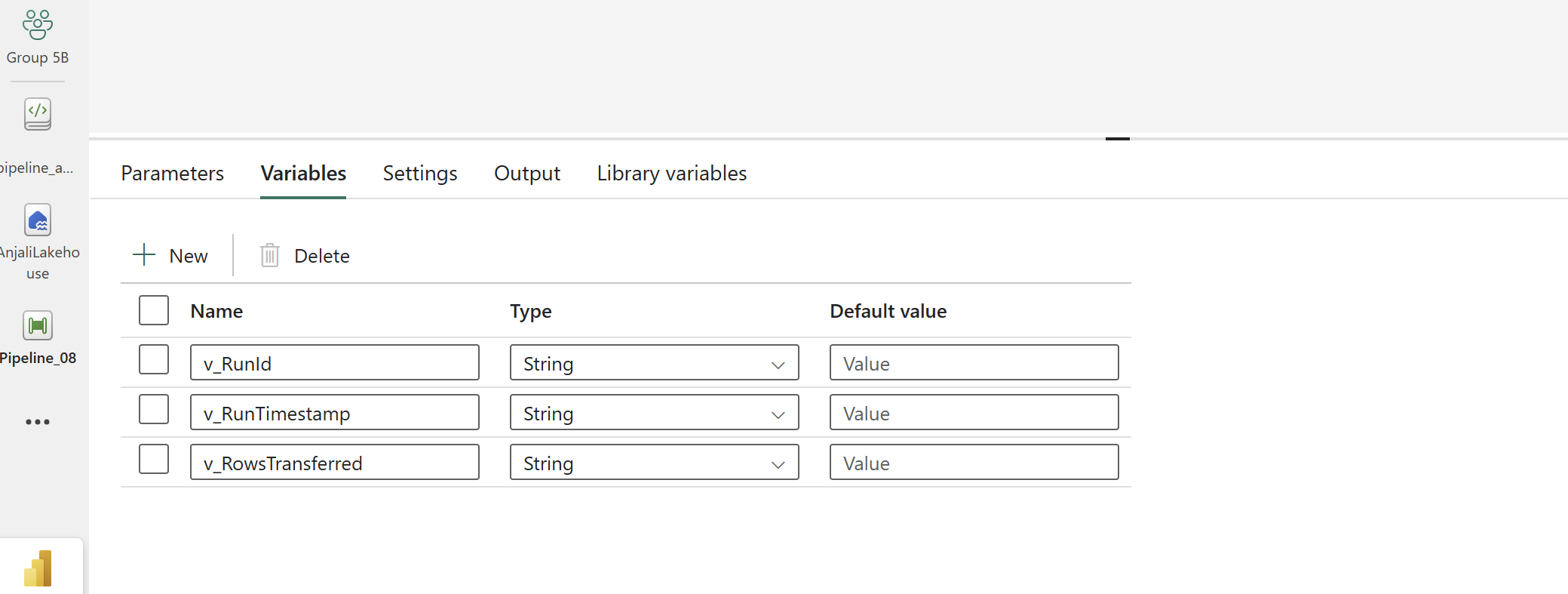
Setting up the variables:
 View full size (opens in a new tab)
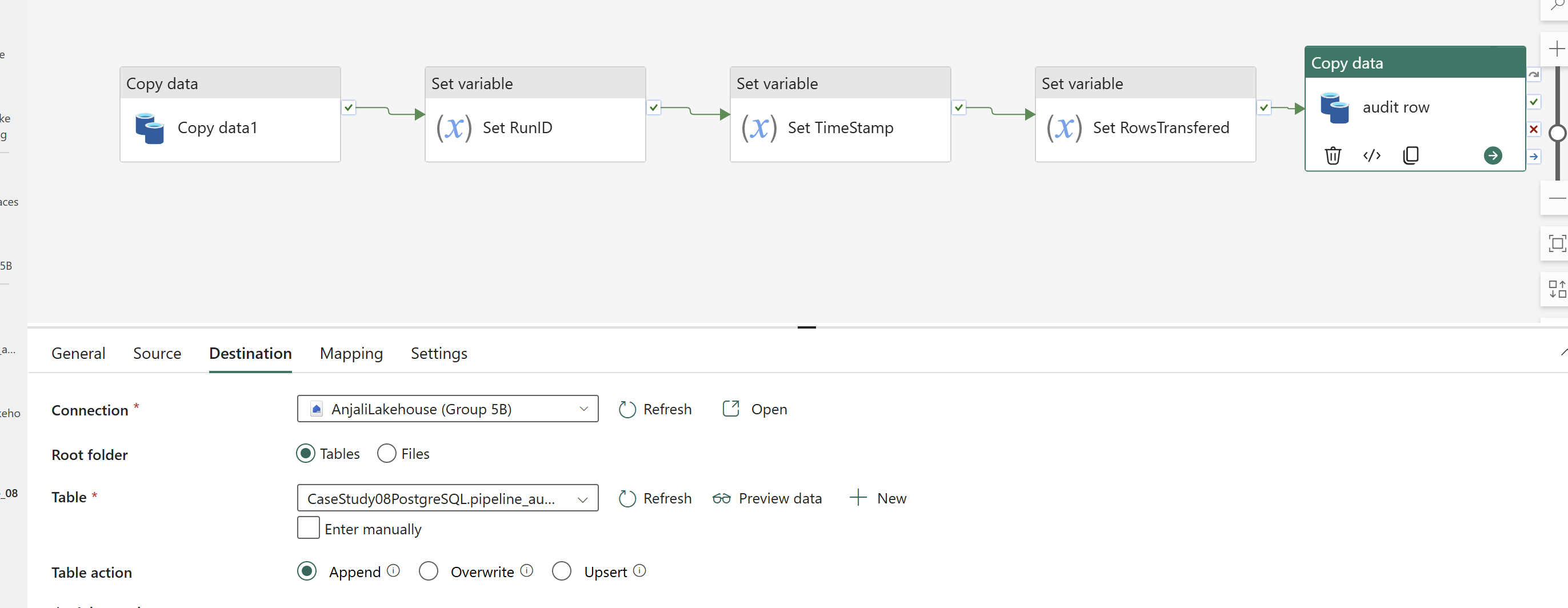
04. Audit logging
An audit mechanism was included to record information about every pipeline execution.
The audit process captures details such as:
- Pipeline execution timestamp
- Source table
- Number of rows transferred
- Execution status
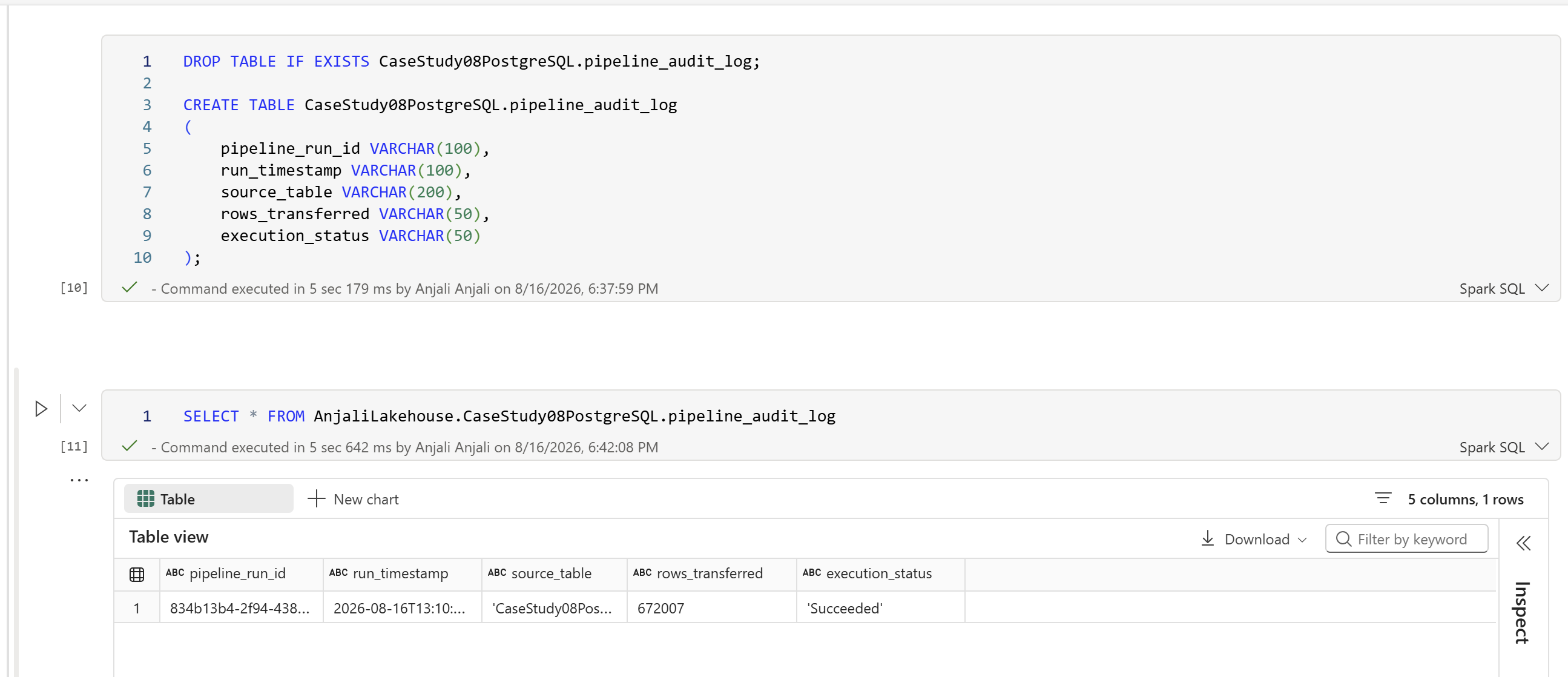
This creates a machine-generated record for each transfer and improves visibility into the freshness and reliability of the inventory data.
 View full size (opens in a new tab)
 View full size (opens in a new tab)
 View full size (opens in a new tab)
The project requires one audit record for every successful execution, allowing transfer activity to be traced and validated.
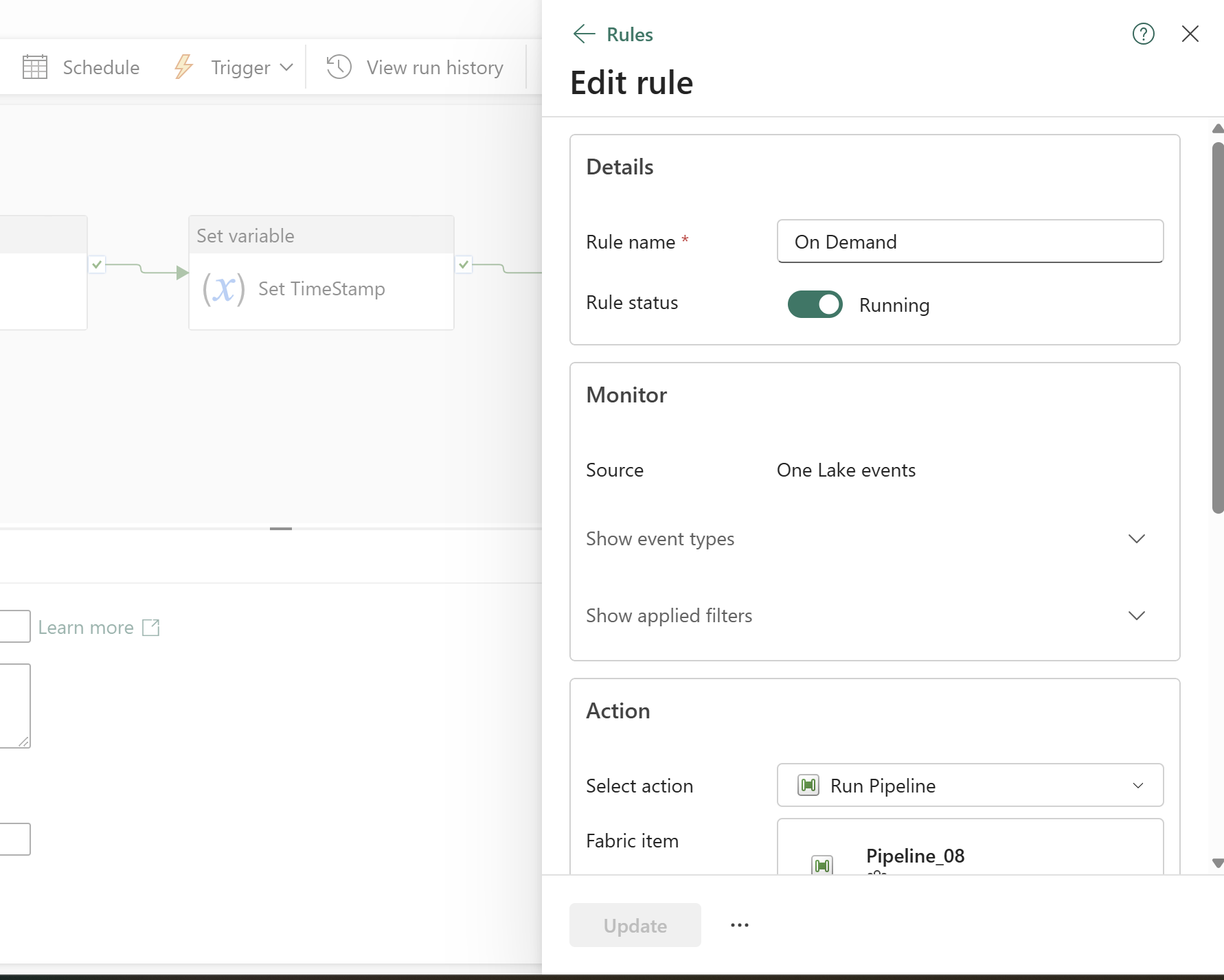
05. On-demand pipeline execution
Instead of relying on an analyst to remember to export and upload a CSV file, the pipeline can be triggered by the warehouse supervisor once the day’s inventory entries have been confirmed as complete.
This aligns data readiness with pipeline execution and gives the business a controlled way to initiate the transfer.
 View full size (opens in a new tab)
 View full size (opens in a new tab)
Why, where, and when to use an on-premises data gateway
Connecting on-premises PostgreSQL to Microsoft Fabric
In this project, the inventory data was stored in an on-premises PostgreSQL database, while the new analytics solution was being built in Microsoft Fabric. Since the source system was located inside the organisation’s internal network, Fabric could not directly access it like a cloud-based data source.
This is where the On-premises Data Gateway became necessary.
Why was the gateway needed?
The main reason was to create a secure connection between the internal PostgreSQL database and Microsoft Fabric without exposing the database to the public internet.
Instead of manually exporting inventory data to CSV files every day, the gateway allowed the Fabric pipeline to connect to the source database and retrieve the required data directly. This removed the dependency on manual exports and made the ingestion process more reliable and repeatable.
Where was it used?
The gateway was installed within the organisation’s network, where it could communicate with the PostgreSQL server. On the other side, it was connected to Microsoft Fabric, allowing the cloud-based pipeline to securely access the on-premises data source.
In simple terms, the gateway acted as a bridge:
On-premises PostgreSQL → Data Gateway → Microsoft FabricWhen should you use an on-premises data gateway?
An On-premises Data Gateway is useful when your data is stored inside a private or local network, but you want to use that data in a cloud service such as Microsoft Fabric.
For this project, it was the right approach because the inventory system remained on-premises, while the analytics platform was moving to the cloud. The gateway made it possible to connect both environments without changing or exposing the existing PostgreSQL infrastructure.
My approach
Once the gateway and PostgreSQL connection were configured, I used the connection in a Microsoft Fabric Data Pipeline. The pipeline could then extract the inventory data directly from the InventorySnapshot table and load it into the Fabric Lakehouse.
This replaced the previous workflow of:
PostgreSQL → Manual CSV Export → Upload → Reportingwith a more controlled process:
PostgreSQL → On-premises Data Gateway → Fabric Pipeline → LakehouseThe result was a simpler and more reliable way to move inventory data into the analytics platform, while keeping the source database securely within the organisation’s internal network.